SQL Architecture
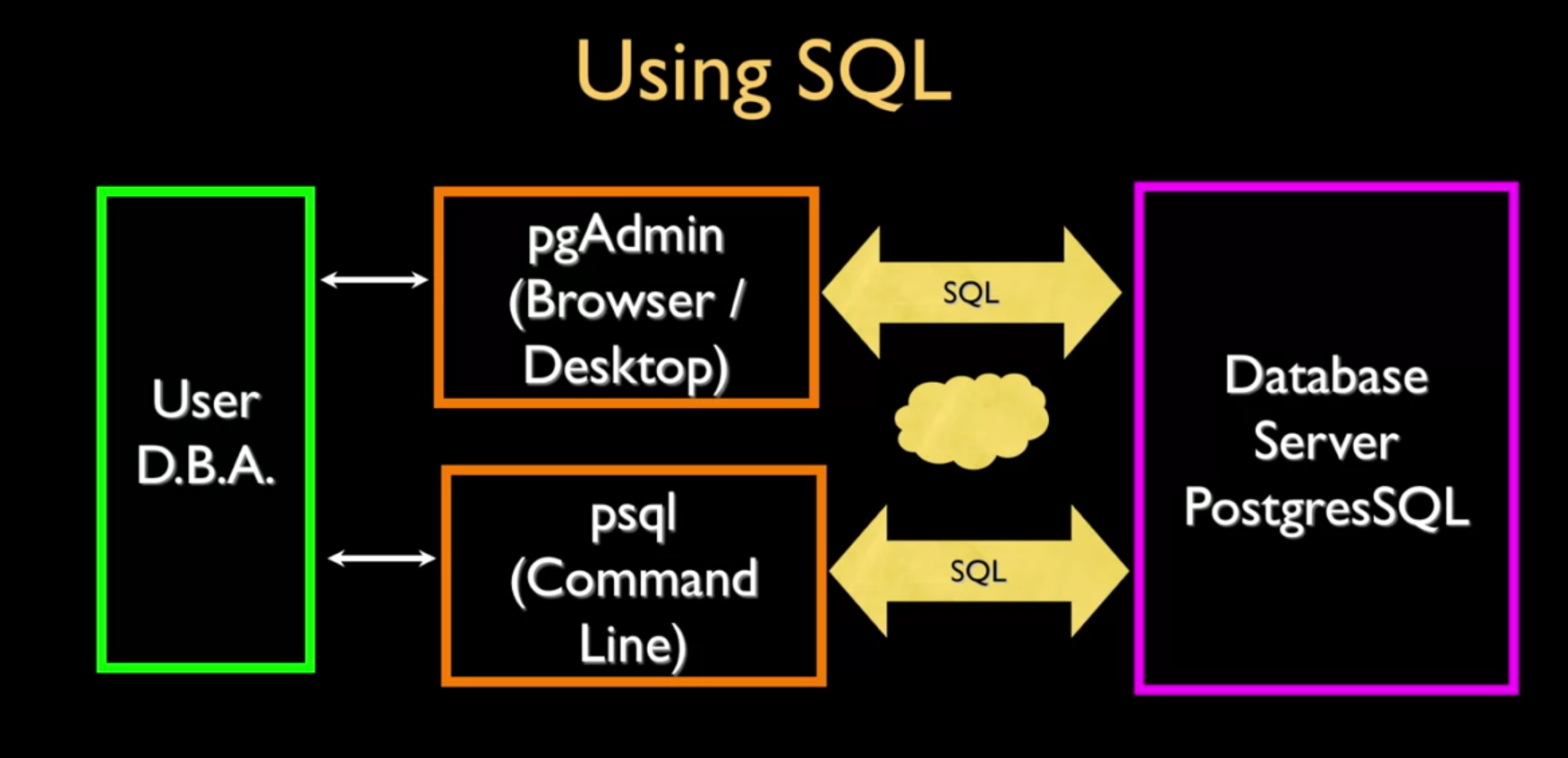
To access a database each user needs to have a client that is able to create a session with the database server, each client should be able to run and interact with the the database server, this can be through a Command Line Interface (CLI) or through a GUI.
Client-Server Model
Most DBMS follow a client-server architecture where the database engine runs as a server process and clients connect over a network protocol:
graph TD
    subgraph Clients
        CLI[psql / CLI]
        GUI[pgAdmin / DBeaver]
        App[Application via Driver]
    end
    subgraph Server["Database Server"]
        CM[Connection Manager]
        Parser[SQL Parser]
        Optimizer["Query Optimizer"]
        Executor[Executor]
        Buffer[Buffer Pool]
        Storage[Storage Engine]
    end
    CLI --> CM
    GUI --> CM
    App --> CM
    CM --> Parser
    Parser --> Optimizer
    Optimizer --> Executor
    Executor --> Buffer
    Buffer --> Storage
Two-Tier vs Three-Tier
- Two-Tier — Client connects directly to the Database. Simple but doesn’t scale well (each client holds a connection).
- Three-Tier — Application server sits between client and database. The app server manages a connection pool, handles business logic, and forwards queries. Standard for web applications.
graph LR
    subgraph Two-Tier
        C1[Client] --> DB1[(Database)]
    end
    subgraph Three-Tier
        C2[Client/Browser] --> AS[Application Server] --> DB2[(Database)]
    end
Query Processing Flow
When a SQL statement arrives at the server, it passes through the query processing pipeline:
- Parser — Validates syntax, produces an abstract syntax tree (AST)
- Query Rewrite — Expands views, simplifies predicates
- Optimizer — Evaluates execution plans using Relational Algebra transformations, picks the cheapest based on cost estimates and index availability
- Executor — Runs the plan, manages transaction context, returns results
- Buffer Pool — Caches frequently-accessed data pages in memory, managed by the WAL protocol for crash safety
See Explain Analyze to inspect the optimizer’s chosen plan.