SSL & TLS Certificates
SSL Certificates Create an Encrypted Connection and Establish Trust.
What is an SSL certificate – Definition and Explanation | Kaspersky
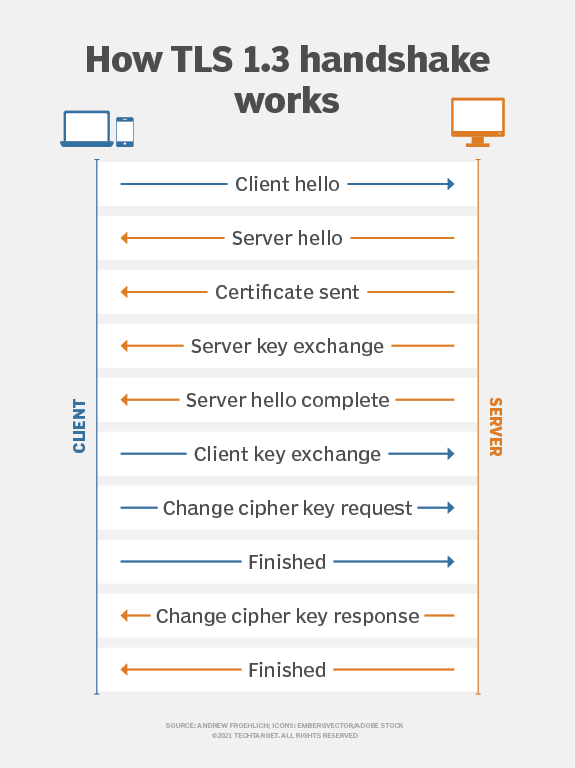
SSL Certificate helps one identify if a website is secure and is what it claims to be, SSL | Secure Sockets Layer this was the technology introduced 20 years ago, and now superseded by TLS | Transport Layer Security but the name securesocketlayer still remains to be the widely used identification for these. SSL certificates ensure that the browser has an secure connection / interaction with the application backend through the security features like encryption, this is called as encryption during transit, one of the most important security implementations mandated by all clients and customers.
There are many types of SSL Certificates:
- EV SSL (Extended Validation)
- OV SSL (Organisation Validated)
- DV SSL (Domain Validated)
- Wildcard SSL
- Multi Domain SSL (SAN Subject Alternative Name)
- Unified Communications Certificates (UCC)
Extended Validation Certificates (EV SSL)
This is highest ranking and most expensive type of Certificate. One has to go through a great deal of legal procedure and process to obtain one, it is a must when financial applications are involved to give maximum transparency and security to the consumer, this grants the organisation the exclusive rights over the domain.
Organization Validated Certificates (OV SSL)
Same as Extended Validation certificates (EV SSL) in terms of legal procedure, this also has the organisation name displayed in the certificate name
Domain Validated Certificates (DV SSL)
Easiest to obtain as you only need to verify that the you own the domain usually through a TXT record, considered as a basic certificate, least expensive compared to others and easiest to obtain.
Wildcard SSL Certificates
Wildcard Certificates allows us to secure the root domain or the base domain, and also secure the subsequent subdomains of the base domain, this option is much cheaper than buying a certificate for each subdomain.
SSL certificates do expire; they don’t last forever. The Certificate Authority/Browser Forum, which serves as the de facto regulatory body for the SSL industry, states that SSL certificates should have a lifespan of no more than 27 months. This essentially means two years plus you can carry over up to three months if you renew with time remaining on your previous SSL certificate.
Previously, SSL certificates could be issued for as long as five years, which was subsequently reduced to three and most recently to two years plus a potential extra three months. In 2020, Google, Apple, and Mozilla announced they would enforce one-year SSL certificates, despite this proposal being voted down by the Certificate Authority Browser Forum. This took effect from September 2020. It is possible that in the future, the length of validity will reduce still further.
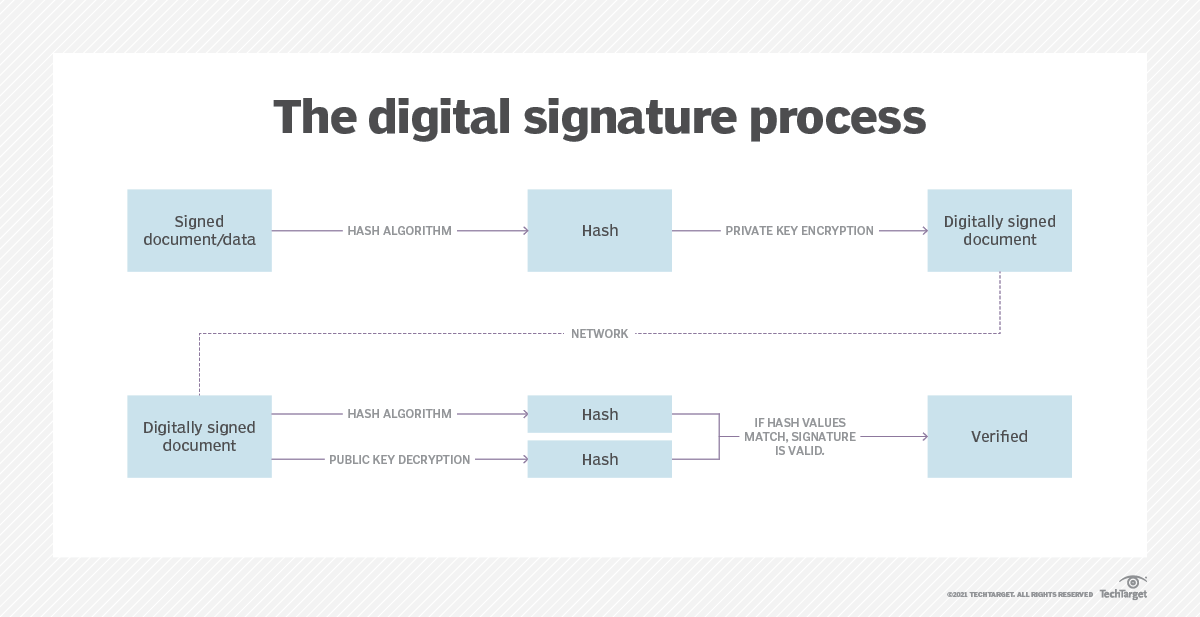
SSL certificates have a key pair: a public and a private key. These keys work together to establish an encrypted connection. The certificate also contains what is called the “subject,” which is the identity of the certificate/website owner
To get a certificate, you must create a Certificate Signing Request (CSR) Certificate Signing Request on your server. This process creates a private key and public key on your server. The CSR data file that you send to the SSL Certificate issuer (called a Certificate Authority - CA or CA) contains the public key. The CA uses the Certificate Signing Request (CSR) data file to create a data structure to match your private key without compromising the key itself. The CA never sees the private key.
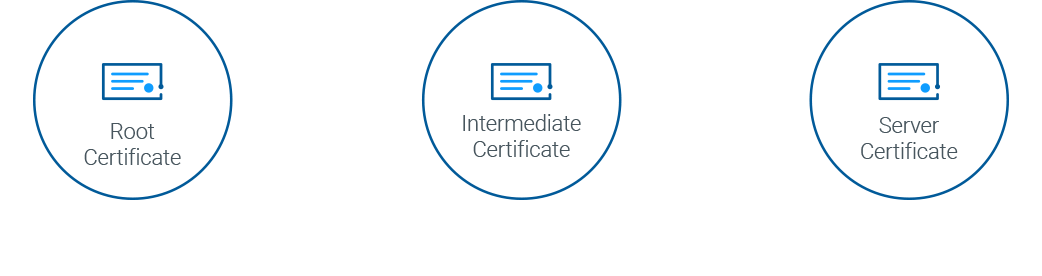
Below is an Image that displays how certificates interconnected.
Root & Intermediary Certificates
The root certificate — along with the private key associated with that certificate — is treated with the highest level of security and is usually stored offline in a protected facility. It may also be stored on a device that is unpowered except when the certificate is needed.
The CA will use that root certificate to create intermediate certificates, i.e., the certificates used to sign the digital certificates issued by the authority. The root certificate should never be used directly for signing digital certificates. Different intermediate certificates support different purposes.
This enables the public to trust the issued certificates, while also protecting the root when an intermediate certificate expires or is revoked. Registration Authority - RA may also issue digital certificates using intermediate certificates.